YouTube Shorts are a great way to extend your reach to new audiences. You can repurpose snippets of longer form content for more visibility, or focus all your efforts on creating videos in this short-form format.
Either way, the key to YouTube Shorts success is understanding the formatting, dimensions, and purpose of this type of content. In this guide, you’ll learn exactly what you need to know to create shorts that fit the bill. You’ll also get tips on how to take yours to the next level.
Quillbot’s customizable YouTube Templates are easy to use and can help you save time so you can focus on creativity and optimization.
Key takeaways
YouTube Shorts work best in a vertical 9:16 format at 1080 × 1920 pixels, with videos up to 3 minutes long and MP4 or MOV formats supported.
For better-performing Shorts, hook viewers within the first few seconds, keep important text, faces, and logos centered, and use concise titles.
Discover additional tips and tools for creating high performing YouTube content.
In 2026, the recommended YouTube thumbnail size is 3840 x 2160 pixels. You can still use lower resolutions with a 16:9 aspectratio, like 1280 x 720 pixels, but your image probably won’t look as good after it’s been automatically compressed and resized for display.
TipUse Quillbot’s free YouTube Thumbnail Templates tool to design your custom YouTube thumbnails. When exporting the finished design, select “3840 x 2160” in the file type options menu.
Choose JPG if the main element of your thumbnail is a photo or a video still, or if the quality of gradients or shadows is important. Choose PNG for sharp logos, illustrations, text, or icons.
The YouTube video thumbnails you can upload to replace the automatically generated versions are called “custom thumbnails.” Make them as large as possible in a 16:9format, keeping the file size under 50 MB (2 MB when uploading on a mobile). You can only use custom thumbnails for standard videos, not for YouTube Shorts.
The recommended size for a YouTube thumbnail for a podcast in 2026 is 1280 x 1280 pixels. Podcast thumbnails should be in a 1:1 aspect ratio.
YouTube thumbnail dimensions
Recommended size
3840 x 2160
Minimum width
640
Maximum file size
50 MB
2 MB when uploading on a mobile
Aspect ratio
16:9
Example 16:9 dimensions
3840 x 2160 (recommended)
2560 x 1440
1920 x 1080
1280 x 720
640 x 360 (minimum)
Accepted formats
JPEG, PNG, or GIF
YouTube podcast thumbnail size
Recommended size 1280 x 1280
1:1 aspect ratio
50 MB maximum size
10 MB maximum size when uploading on mobile
YouTube Shorts thumbnail size
You can’t upload custom thumbnails for YouTube Shorts
Whether you’re a casual user or a professional photographer, AI-powered photo editing can take your images to the next level. Yet, not all AI photo editors are created equally—and most people don’t have the time to test a bunch of different tools.
This guide pulls 10 of the best AI photo editors that offer free web versions so you can get straight to work without downloading apps or giving out your credit card information.
Key takeaways
AI photo editors make it easy to remove backgrounds, erase unwanted objects, enhance image quality, and create professional-looking edits—no design experience required.
This guide covers 10 of the best free online AI photo editors, highlighting options for different needs and experience levels, from simple prompt-based editing to more advanced creative workflows.
Whether you’re looking for quick automated enhancements, flexible browser-based editing tools, or AI-assisted content creation, these platforms let you get started without downloading software or entering payment details.
Published on
June 22, 2026
by
Quillbot.
Revised on
July 23, 2026
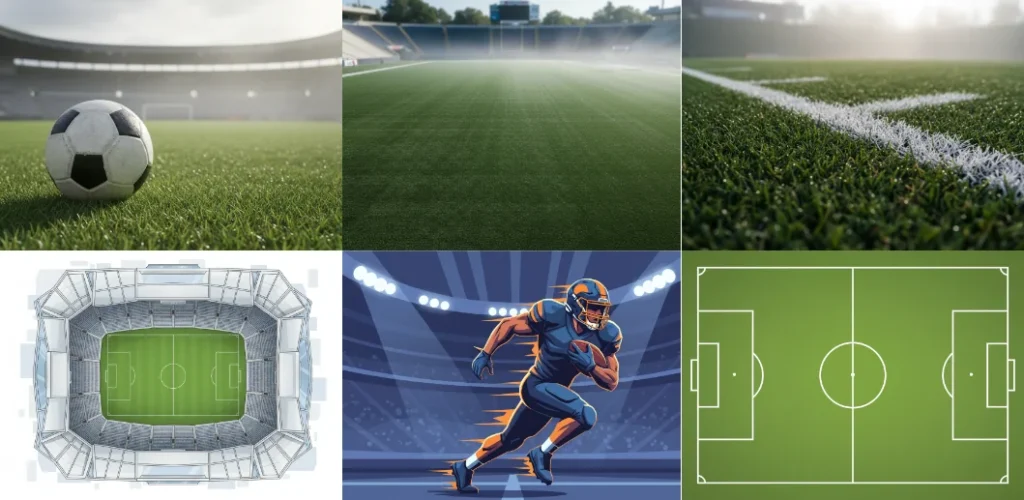
Download the free football background images below or create your own using Quillbot’s free AI Image Generator.
The prompts used to create the images below—in Quillbot’s AI Image Generator—are shown next to the images so you can adapt them to make the perfect football background for your project, phone, or computer.
When you’re working with images, file size can quickly get in the way. This often happens when uploading a photo, attaching it to an email, or trying to keep a webpage from slowing down.
If you need to compress JPG files, a tool like Quillbot’s Compress JPG can help: it reduces JPG file size while keeping the image clear, so you can share, store, or publish it more easily. In just a few clicks, large images become more compact and easier to handle.
Published on
April 27, 2026
by
Kate Santoro, BS.
Revised on
May 19, 2026
The old adage says, “Don’t judge a book by its cover.” While this is a useful mindset when it comes to people, it rarely applies to actual books. For good or for bad, a book’s cover very often affects if—and how widely—it gets read.
For authors, that creates a clear challenge: How do you design a cover that stands out without spending hundreds on a professional designer or learning complex design software? How do you explain your ideas to your publisher to make sure your work really shines?
A bookcovergenerator offers a practical solution. Quickly explore and mock up ideas so that when it’s time for your book’s cover to be designed, you have concrete, visual ideas to help you make decisions. Quillbot’s Book Cover Generator is one of these tools, and it’s free and easy to use.
If you’ve ever had to source materials or digital assets, you know this scenario all too well. You can picture the perfect pattern with the exact colors and style that your project needs, but it only exists in your mind. The gap between what you can imagine and what’s actually available is where many creative projects stall.
Whether you need fabric, wallpaper, floor tiles, or digital backgrounds, you shouldn’t have to compromise with off-the-shelf options. With an AI pattern generator, you can quickly explore and visualize design ideas. Quillbot’s Pattern Generator is completely free to try.
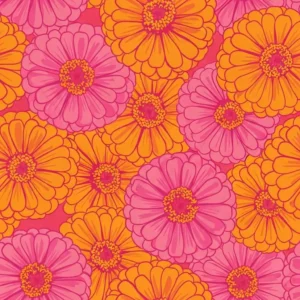
Apparel fabric pattern from Quillbot’s Pattern Generator
Key takeaways
A pattern generator is an AI tool that transforms text prompts into seamless, repeating designs you can use for fabrics, wallpapers, and digital backgrounds.
It lets you explore customized patterns for home decor, fashion, branding, events, and digital design instead of relying on off-the-shelf options.
Strong results come from prompts that clearly define the subject, style, color palette, and composition of the pattern.
Using a tool like Quillbot’s Pattern Generator is simple: enter a prompt, choose settings, generate your design, and download the finished pattern.
With an AI sticker maker, like Quillbot’s free online AI Sticker Generator, you can realize your custom sticker ideas in just a few clicks.
Whether you want to create a funny reaction sticker for WhatsApp or iMessage, a personalized sticker for an Instagram or other social media post, reward stickers for your students’ schoolwork, or a branded sticker for your business, generating sticker designs with AI is great fun. Here’s how it works.
Most of us have had the experience of being transported into fantastical worlds brought to life by incredibly detailed designs and animations in our favorite films and TV shows. Likely, these characters have even made you wish you could create your own.
With the help of AI-powered 3D Character Creators available online, it’s now possible to do so in seconds—and without any prior design skills. Whether you’re a creative professional looking for an easy way to generate models and mockups, or an aspiring world builder wanting to bring your visions to life, Quillbot’s free 3D Character Creator is for you.
It’s no surprise that the trend of creating AI action figures has taken the internet by storm—everyone loves the idea of a “mini-me.” With the rise of AI image tools, all it takes is a simple prompt and the click of a button to render endless versions of yourself that are ready for any adventure!
Whether you’re a tabletop gamer, a toy collector, or just want to see yourself as a legendary hero, tools like Quillbot’s AI Action Figure Generator will make “manufacturing” personalized digital collectibles a breeze. Read on for fun ideas and a guide to getting the best possible results.
Download our FREE All-in-One Content Workflow Guide to learn how to create, refine, and repurpose content more efficiently with Quillbot. Packed with actionable tips and real-world workflows.