Published on
November 17, 2025
by
Quillbot.
Revised on
June 1, 2026
Using an AI image creation tool—like Quillbot’s free online AI logo generator—is a quick and easy way of realizing your logo ideas as professional-looking visuals. This guide walks you through how to plan and refine effective AI logo prompts and includes example phrases and templates you can adapt for your own designs.
It can also help to review different logo templates to understand common design styles, layouts, and branding approaches. Exploring examples can also make it easier to write more effective logo prompts.
Converting image files is an essential part of managing digital content in today’s world of websites, presentations, and design projects. For example, you may need to:
Convert a JPEG to a WEBP to use on a platform like WordPress
Convert a JPEG to an ICO file for use as a favicon or app icon
Convert a JPEG to a PNG to meet the requirements of a design platform or editing tool
These are simple tasks with a JPEG converter like Quillbot’s free online JPEG converter.
AVIF (AV1 Image File Format) is one of the most advanced and efficient image formats available today, offering excellent visual quality at a fraction of the file size of older formats. In spite of the advantages, AVIF isn’t compatible with every app or platform. When you need to convert AVIF to another format (such as JPG, PNG, or WEBP), Quillbot’s AVIF converter is a fast, free, and easy solution.
Keep reading to discover when, why, and how to use an AVIF converter from the convenience of any device or browser.
The value of a JPG converter is that it allows you to take your JPG images and convert them to another format. Typically this will be because you want to use them somewhere (e.g., a website) that requires a different format.
One example of when you might want to change the file type of your images is to turn a JPG into a .webp format to make sure your web pages load faster.
One quick, easy, and free way of converting your JPGs is to use Quillbot’s online JPG converter.
NoteThere are several image file types you will encounter on computers and cameras. The main ones are:
JPG or JPEG: This file compression protocol was established by the Joint Photographic Experts Group. It compresses file sizes with some loss of quality, but is ideal for everyday viewing of photos. For example, an original 19 MB RAW image can be compressed to 1.9 MB in JPG, making it quicker and easier to send digitally. However, a JPEG isn’t scalable—if you enlarge a JPEG image, its quality will deteriorate as it is expanded over a larger area.
RAW: Professional digital cameras can shoot in RAW, where all the data collected by the sensor is recorded, rather than processed into a JPEG.
PNG: A lossless, scalable format, PNGs have been popular for websites as they can easily be scaled for different viewing devices.
WEBP: The .webp, as the name suggests, is designed specifically for websites. It allows images to load faster, and this has a big impact on user experience and website rankings with search engines.
HEIC: Most commonly found on iPhones, the HEIC format is especially suitable for capturing sequences of still photos.
When deadlines are closing in, even the best writers can overlook unintentional plagiarism. Whether you’re writing essays for school, reports for work, or blog posts online, the consequences of plagiarism can be serious. That’s why finding the best plagiarism checker is essential.
Quillbot’s Plagiarism Checker and similar tools from Grammarly, EasyBib, and Turnitin scan your writing for duplicate content so that you can maintain credibility and originality. The plagiarism checker that’s right for you depends on your needs.
Keep reading to learn more about the features to consider when choosing the best plagiarism checker.
Published on
November 12, 2025
by
Quillbot.
Revised on
March 17, 2026
If you want to place a logo on a different background, you need a version of the logo with transparency in the areas behind the logo so the new background will show through.
If you don’t have a transparent version of your logo, you need to know how to remove a background from a logo. This is a straightforward task with a smart tool like Quillbot’s free, AI-powered background remover.
A special day in the Christian religion, usually on January 6, celebrating the visit of the Three Kings (Wise Men) to baby Jesus (e.g., “Many Christians celebrate Epiphany with a family meal”)
A moment when you suddenly realize or understand something (e.g., “I had an epiphany and realized that I should follow my passion”)
TipIf you’re researching Epiphany, you can ask Quillbot’s free AI Chat about the religious significance of this festival and how it’s celebrated around the world.
Whether you’re a professional artist, an art student, or someone who simply enjoys sketching, there are days when inspiration runs dry. That’s when drawing prompts come in handy—they offer a starting point, guide your creativity, and make it easier to turn a blank page into a finished piece. From easy drawing prompts for warm-ups to daily drawing prompts for long-term practice, they’re a reliable way to stay engaged with your art.
Still, thinking up fresh ideas every day can be hard. With an AI tool like Quillbot’s AI art prompt generator, you can instantly get drawing ideas so you can focus your creative energy on the drawing itself—not on coming up with what to draw.
Published on
November 11, 2025
by
Quillbot.
Revised on
June 1, 2026
A great logo can make a strong first impression on potential customers. One of the most efficient ways to create a memorable logo is to use an AI tool. But with so many options out there, which one should you use?
Below, we’ll walk through the top features to look for in a logo generator tool—and how Quillbot’s free AI logo generator checks all the boxes. You can also explore Quillbot’s logo templates to gain more inspiration for colors, typography, fonts, layouts and visual styles before you start generating logo concepts.
Character design is the art of bringing imaginary people, creatures, or beings to life. Whether you’re a writer visualizing your protagonist, a game developer building a hero, or an artist sketching new concepts, character design is how ideas gain form and identity.
In the past, creators relied entirely on traditional media like pencil, paper, and paint to develop their characters. In the computer age, artists have also relied on digital rendering software. But today, character design is easier than ever thanks to AI character generators, like Quillbot’s free AI character generator, and similar tools from Perchance, Canva, Imagine Art, and Hotpot.ai.
So, what’s the best tool for character design? It depends on your creative goal, skill level, and workflow. This guide will help you understand what to look for and how to get started.
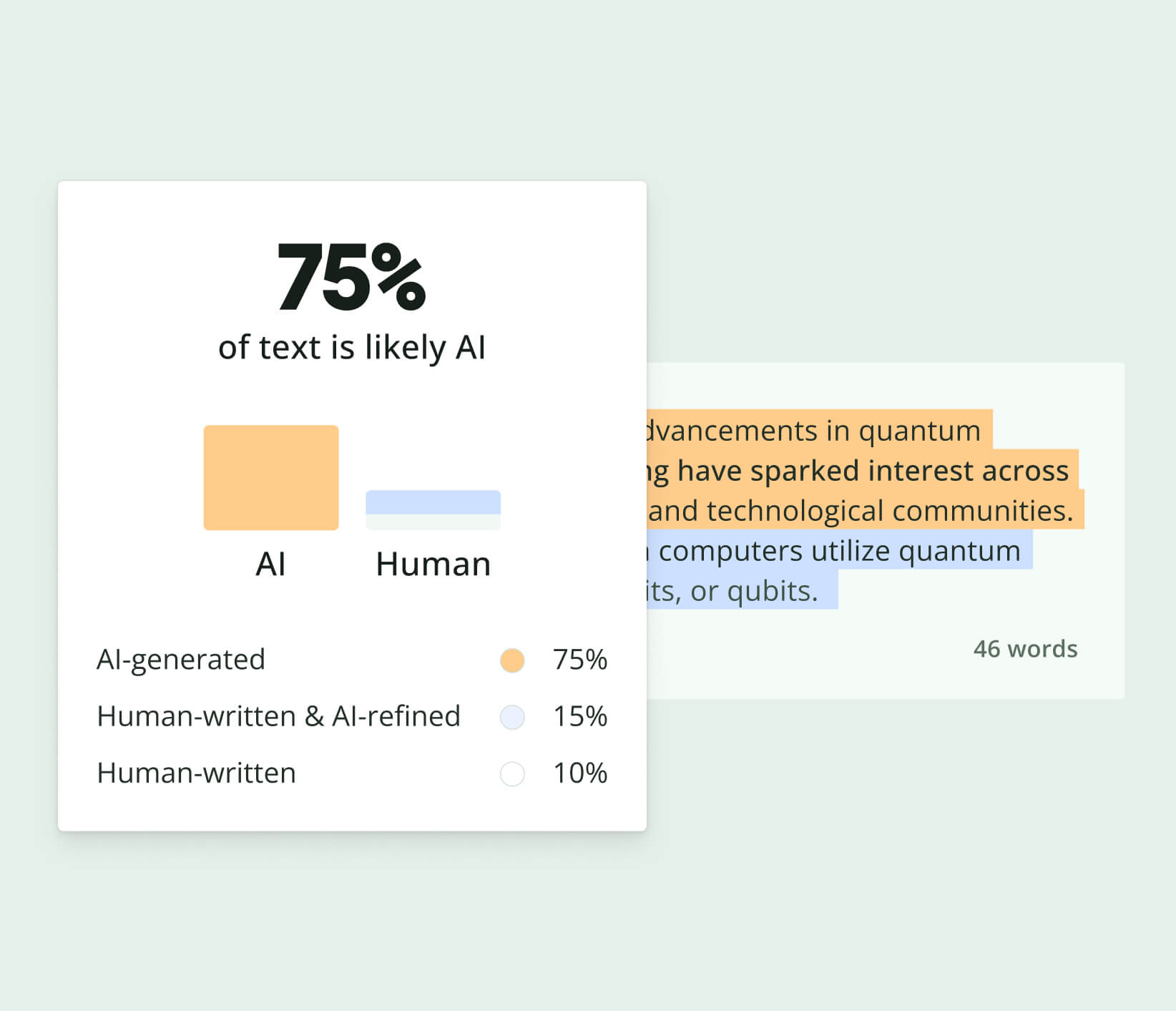
Work smarter with Quillbot’s AI Detector. Quickly assess whether text appears
AI-generated or human-written before publishing or submitting your content.
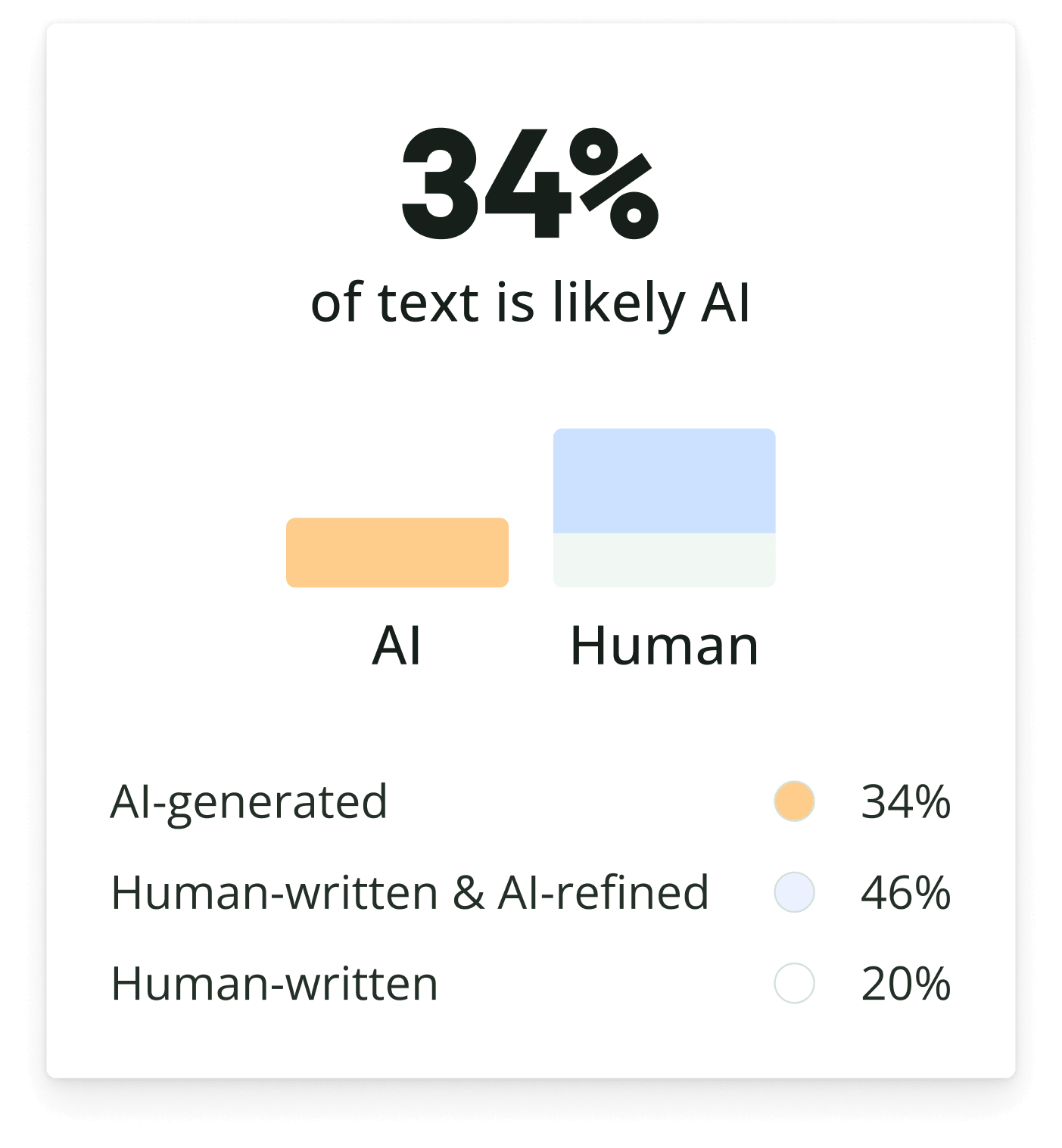
Work smarter with Quillbot’s AI Detector. Quickly assess whether text appears
AI-generated or human-written before publishing or submitting your content.